Best Paper for Scrapbooking & Junk Journals
Compare matte, glossy and satin paper, cardstock, GSM and sticker paper to choose the best paper for scrapbooking, junk journals and printable craft projects.
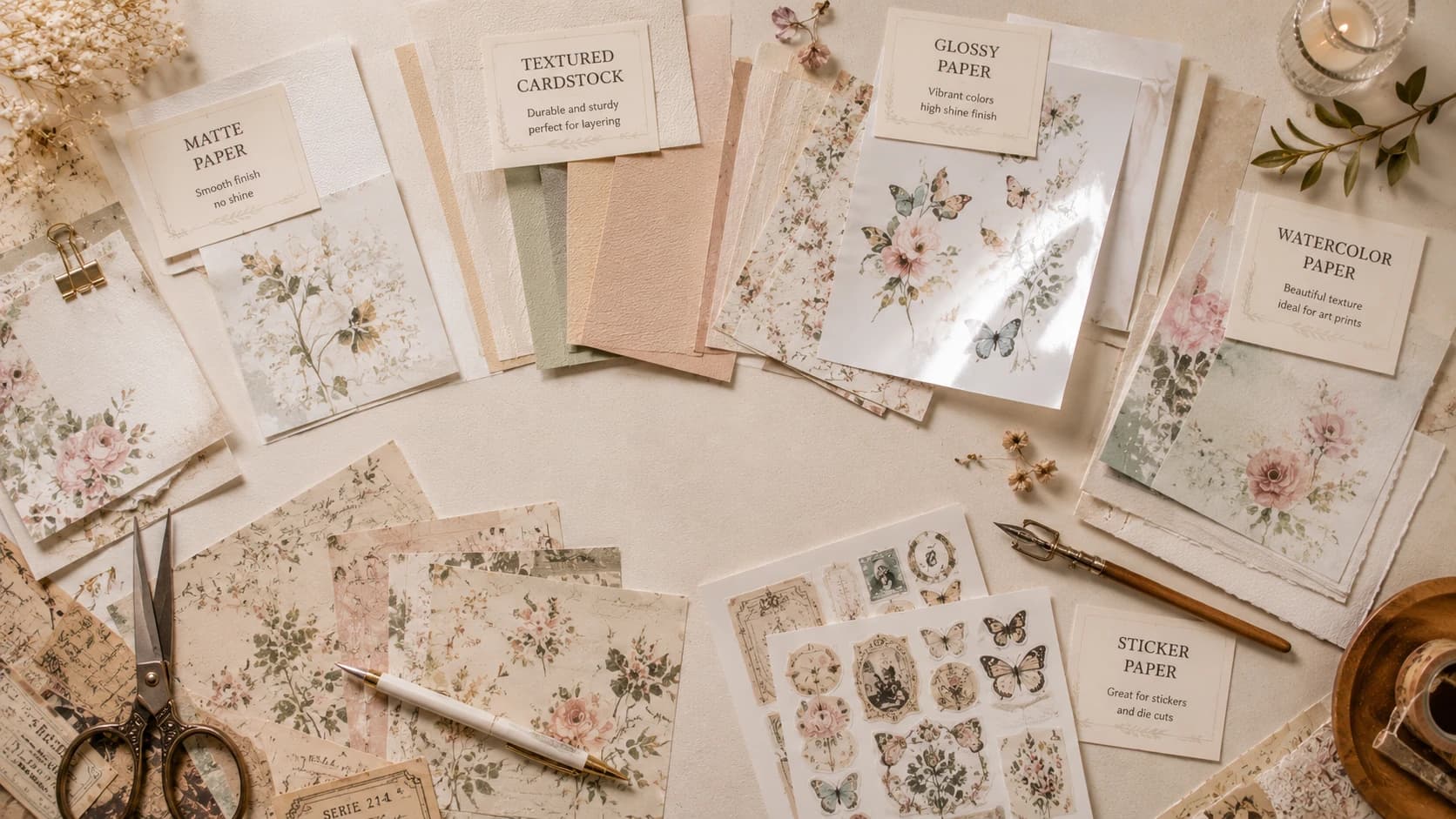
Choosing the right paper is one of the most important decisions you can make for your printable craft projects. If you print digital packs at home, paper quality affects everything: color depth, texture, cut precision, glue behavior, page bulk, and even how “premium” your final result feels in hand.
This guide is built for practical buying decisions, not vague theory. If you are searching for the best paper for printable scrapbook kits, this article gives you clear recommendations by use case: scrapbook pages, junk journals, cards, tags, stickers, and layered ephemera.
You will also learn:
- matte vs glossy trade-offs,
- how to use cardstock for scrapbooking,
- how gsm really impacts your pages,
- how to print better with beginner home printers,
- how to reduce ink waste without dull prints,
- and what mistakes to avoid if you want polished results.
If you are building your printable collection, you can browse Pixel Scrap packs while reading and select paper based on each visual style.
What “Best Paper” Actually Means for Printable Kits
When people ask for the “best paper,” they usually mean one of three goals:
- Most beautiful output (rich colors, elegant finish),
- Most practical workflow (easy cut, easy glue, no curling),
- Best value (good quality without overspending).
There is no single sheet for all jobs. The best approach is a small “paper system” with 2-4 paper types:
- one for backgrounds,
- one for ephemera/stickers,
- one for sturdy tags/cards,
- optional sticker stock.
That system gives you control and consistency.
Matte vs Glossy vs Satin: Which Finish Should You Choose?
The finish determines how your printable scrapbook paper behaves and looks.
Quick comparison table
| Finish | Look | Pros | Cons | Best Use |
|---|---|---|---|---|
| Matte | Soft, paper-like, low glare | Easy to write on, good for layering, vintage-friendly | Colors can look slightly muted vs glossy | Junk journal pages, ephemera, writing surfaces |
| Glossy | Bright, high-contrast, shiny | Vibrant color pop, photo-like finish | Fingerprints, glare, harder to write on | Photo-heavy cards, decorative elements |
| Satin / Semi-gloss | Balanced, subtle sheen | Better color depth than matte, less glare than glossy | Can still reflect light in some conditions | Scrapbook elements needing both color and practicality |
Practical recommendation
For most users printing digital kits and journals:
- use matte as your default,
- add satin for selected focal elements,
- use glossy sparingly.
For a classic vintage mood, matte is usually the strongest choice.
Understanding GSM: Why Weight Changes Everything
Paper weight (gsm) is one of the most misunderstood parts of home printing.
GSM guide for printable scrapbook kits
| GSM Range | Feel | Typical Use |
|---|---|---|
| 80-100 gsm | Thin, flexible | Background inserts, test prints |
| 100-120 gsm | Light but usable | Base pages, low-bulk layering |
| 120-160 gsm | Versatile sweet spot | Ephemera, cutouts, most printable scrapbook paper |
| 160-220 gsm | Sturdy | Tags, journal cards, mini covers |
| 220-300 gsm | Heavy cardstock | Structural pieces, premium cards, dividers |
Beginner rule of thumb
If you only buy one paper weight at first, start with 120-160 gsm matte. It covers most beginner projects well and keeps your journal from becoming too bulky too fast.
Cardstock for Scrapbooking: When and How to Use It
Cardstock for scrapbooking is essential, but only for specific roles.
Use cardstock when you need:
- stronger tags,
- durable pockets,
- card bases,
- page anchors,
- decorative elements that must keep shape.
Avoid using heavyweight cardstock for everything in junk journals, because:
- signatures become thick quickly,
- journals are harder to close,
- cutting and folding take more effort.
Smart cardstock workflow
- Main page layers: 100-160 gsm
- Structure pieces: 180-250 gsm cardstock
- Cover inserts/mini dashboards: 250-300 gsm
That balance keeps your project elegant and functional.
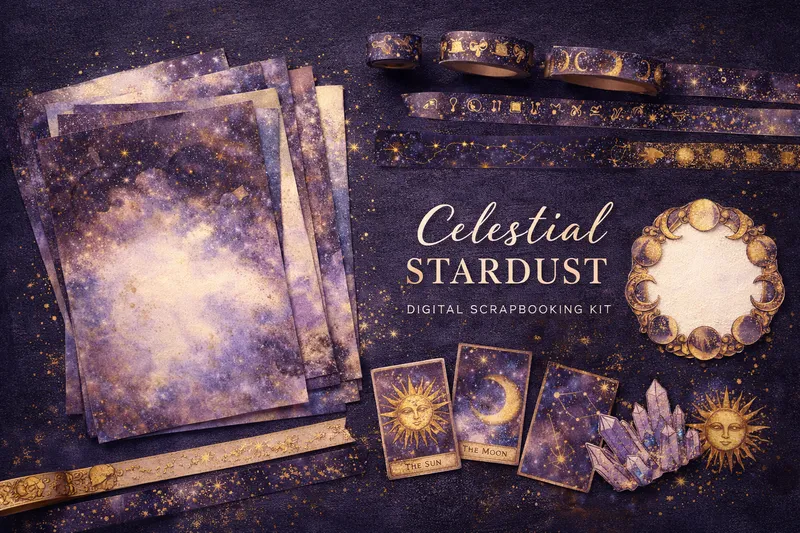
Soft floral themes are ideal for testing this system: matte bases for backgrounds, medium weight for ephemera, and heavier cardstock for tags or journaling cards.
Best Paper for Junk Journals (By Project Type)
When searching for the best paper for junk journals, match paper to function.
Paper map for junk journal makers
| Journal Element | Recommended Paper | Why It Works |
|---|---|---|
| Base pages | 100-120 gsm matte | Lightweight, good for writing, controls bulk |
| Ephemera cuts | 120-160 gsm matte/satin | Clean cuts, easy layering |
| Pockets and flips | 160-220 gsm | Strong enough to hold inserts |
| Tags / tickets | 180-220 gsm | Durable, premium hand feel |
| Decorative transparent sticker look | Matte sticker paper | Practical peel-and-stick workflow |
For junk journal beginners
Start with:
- 120 gsm matte,
- 160 gsm matte/satin,
- one 200 gsm cardstock pack.
You can build almost any page style from that trio.
Sticker Paper: Which Type Is Best?
If your kits include labels, seals, and mini motifs, sticker paper saves time.
Sticker paper options
| Type | Finish | Good For | Watch Out For |
|---|---|---|---|
| Matte sticker paper | Soft, writable | Vintage labels, journaling stickers | Less color punch than glossy |
| Glossy sticker paper | Vibrant | Decorative accents, bright motifs | Glare, fingerprint marks |
| Clear sticker paper | Transparent background | Layering over text/photos | Printer compatibility varies |
Important compatibility note
Not all home printers handle all sticker media equally well. Before bulk printing:
- print one small test sheet,
- check drying time,
- test smudge resistance with light finger rub.
For junk journal and vintage work, matte sticker paper usually gives the most cohesive result.
Home Printing Tips for Better Results (Beginner-Friendly)
You do not need a professional printer to get beautiful pages, but settings matter.
Core printer settings checklist
- Print quality: High / Best
- Scale: 100% (disable fit-to-page)
- Paper type: match actual media
- Borderless: only when necessary
- Color mode: full color (avoid draft)
Why these settings matter
- Wrong paper profile can cause muddy shadows or oversaturated tones.
- Fit-to-page can distort cut lines and card sizes.
- Draft mode often destroys texture gradients in printable scrapbook paper.
Beginner printer advice
If you are starting with an entry-level inkjet:
- prioritize good paper + correct settings before upgrading hardware,
- run a mini color test strip before full sheets,
- clean print heads monthly if used often.
Most print issues come from settings/paper mismatch, not from “bad files.”
Ink Usage: Save Money Without Killing Quality
Ink cost is real, especially with highly detailed kits.
Practical ink-saving strategy
- Print contact sheets first (small previews).
- Select only needed elements for this project.
- Batch print by palette to reduce reprints.
- Use test mode on plain paper before final paper.
- Keep one “neutral background” set to reuse across projects.
What not to do
- Do not switch to low-quality draft for final pages.
- Do not print full packs just “in case.”
- Do not skip calibration if colors drift.
Better selection saves more ink than lower quality settings.
Best Paper by Aesthetic: Vintage vs Watercolor
Different art directions look better on different surfaces.
Best paper for vintage aesthetic
For warm, aged, nostalgic pages:
- matte 120-160 gsm,
- textured matte paper when available,
- warm white / natural white tone (not ultra-bright blue white).
Why: matte and warm papers preserve the softness and authenticity of old-style palettes.
Best paper for watercolor style
For airy florals, soft blends, painterly kits:
- matte or satin 120-160 gsm,
- smooth surface for cleaner gradients,
- optional light texture for painterly feel.
Why: watercolor visuals need tonal transitions; very glossy paper can make gentle gradients look too sharp.
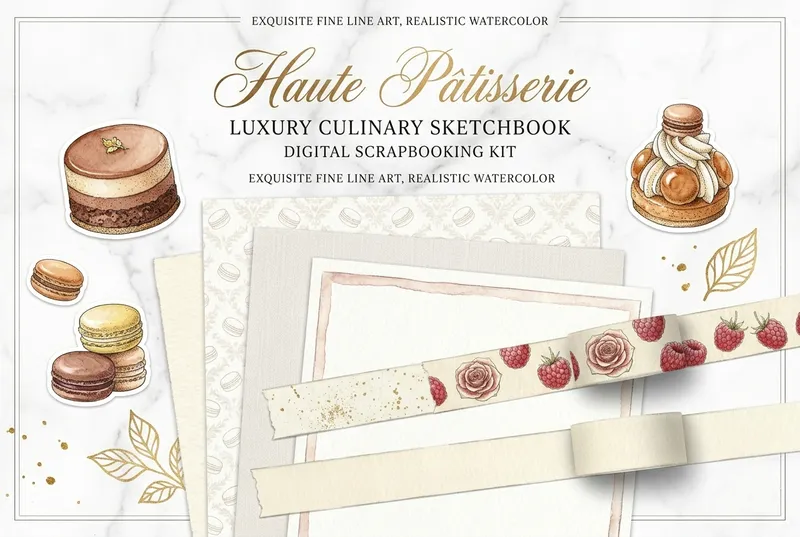
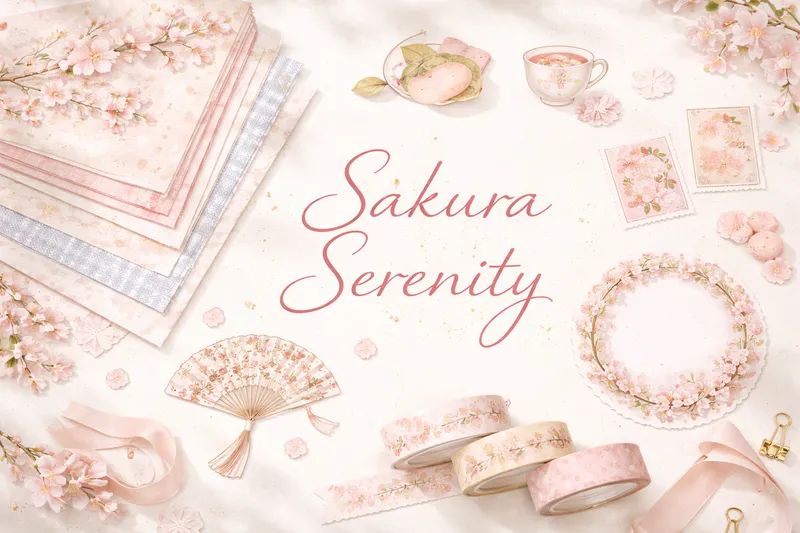
Pastel and watercolor-inspired themes are excellent to test smooth matte and satin finishes side by side.
Storage Tips: Keep Printed Pages Flat and Clean
Printing is only half the job. Storage preserves quality.
Best practices for storage
- Store printed sheets flat in archival folders.
- Separate heavy ink prints with clean divider sheets.
- Keep away from direct sun and humidity.
- Label by kit + date for quick retrieval.
- Store sticker sheets in zip sleeves to avoid dust.
Anti-curl tip
If paper curls after printing, place sheets under clean books overnight. This usually restores flatness without damaging print.
Common Mistakes When Choosing Paper for Printable Scrapbook Kits
Mistake 1: Buying one paper for every use
Fix: build a small paper system by function.
Mistake 2: Choosing glossy for everything
Fix: glossy is great for some pieces, not all workflows.
Mistake 3: Overusing heavy cardstock in journals
Fix: reserve cardstock for structure pieces.
Mistake 4: Ignoring gsm and printer limits
Fix: check your printer’s supported media range.
Mistake 5: No test prints
Fix: always test before final paper.
Mistake 6: Using bright white paper for vintage projects
Fix: try warm white or natural matte paper for authenticity.
Cottagecore and moody botanical themes look especially good on warm matte stocks with natural texture.
Practical Buying Recommendations (Fast Decision Guide)
If you want a quick shopping list:
Starter bundle (highly recommended)
- Matte paper 120 gsm
- Matte/satin paper 160 gsm
- Cardstock 200 gsm
- Matte sticker paper
Who this bundle is for
- beginners printing at home,
- mixed scrapbooking + junk journal users,
- creators who want quality without overcomplication.
If you already know your preferred style, select packs by mood from Pixel Scrap packs and optimize paper per kit family.
FAQ: Best Paper for Printable Scrapbook Kits
Final Takeaway
The best paper for printable scrapbook kits is not one magical product. It is the right combination of finish, weight, and purpose.
If you are starting today:
- begin with matte 120-160 gsm,
- add cardstock for structural elements,
- use sticker paper only where it improves workflow,
- test before final prints.
That approach gives cleaner results, better color control, less waste, and a more premium handmade look.
When you are ready to put these choices into practice, explore Pixel Scrap’s printable collections and build pages that feel both beautiful and truly yours.